
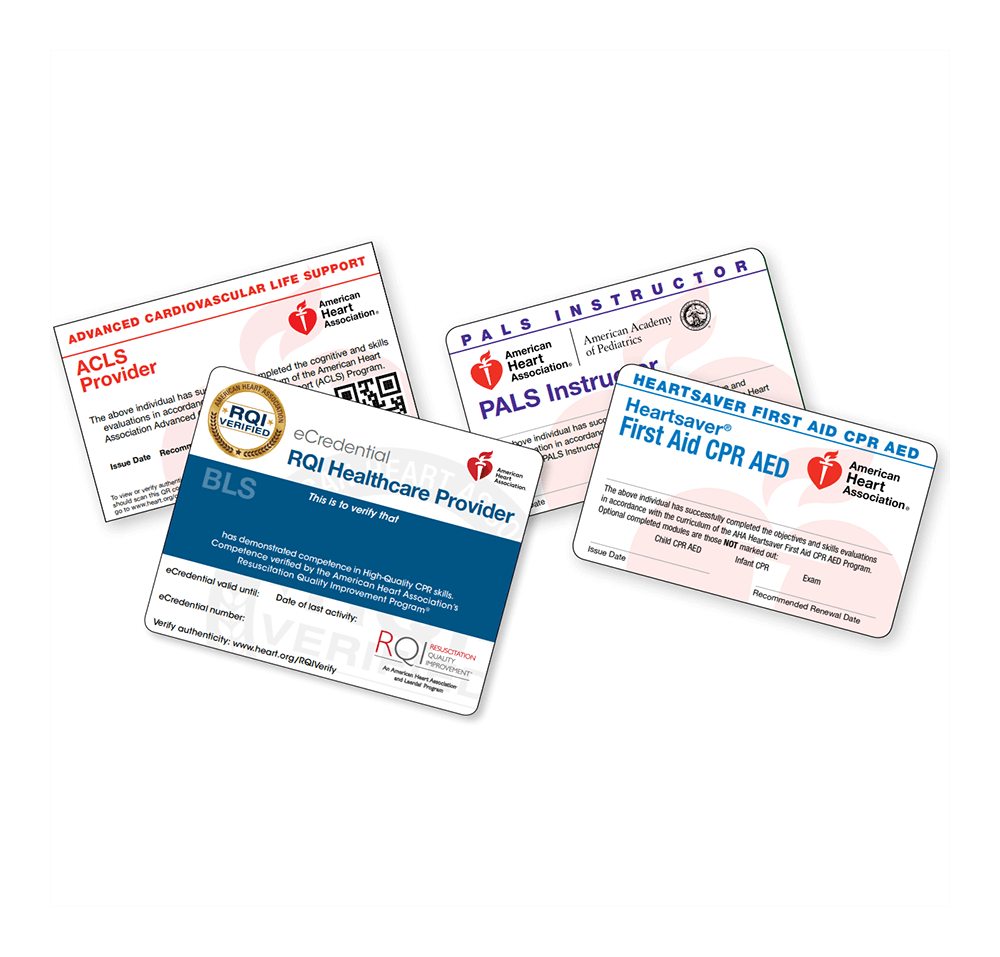
Claiming & Verifying AHA eCards
Beginning January 1, 2018, AHA Training Centers began transitioning to eCards for the issuance of course completion cards to providers and students who successfully complete AHA courses.
Student
Please follow these instructions to claim your AHA eCard:
eCards are distributed during normal business hours. Central Valley Medical makes every effort to issue cards the same day as your course, but processing may take 12–24 hours. Night and weekend classes will have eCards issued the next business day. You can download instructions here.
Employers can only verify your card once you complete the steps below.
- You will receive an email from [email protected] with a link inviting you to claim your eCard online. Check your Spam/Junk folder if you don’t see it.
- Click the link to visit the Student Profile webpage and verify your name, email, eCard code, instructor, and Training Center info. Contact the Training Center if corrections are needed.
- Set a security question and answer for future AHA eCard access.
- Accept the site’s terms and conditions, then click “Submit.”
- Complete a brief course survey to help AHA improve future trainings.
- Your AHA eCard will then be displayed. You can:
- Save as PDF for personal records,
- Access via QR code on mobile, or
- Print wallet or full-size versions.
If you do not claim your eCard, you will not be able to show proof of course completion to your employer.
If proof is required, email a copy of your eCard directly from the landing page.
After claiming your eCard, you’ll receive a confirmation email from the AHA. Save this confirmation for your records.
You can view your eCard anytime at www.heart.org/cpr/mycards. Employers can verify cards at the same link by entering the student’s name, email, or eCard code.
Employer
Please read the following
eCards reduce the risk of counterfeits, streamline record management, and ensure card authenticity. Students can securely store and share their course completions electronically.
Upon course completion, students receive an email with instructions to claim their eCard. Employers can verify eCards only after students complete all required steps.
Once completed, students can save, print, or email their eCard directly to you.
To verify an eCard, click below or visit https://ecards.heart.org/student/myecards. Select the “Employer” tab and enter the student’s eCard Code to confirm authenticity.